How to Open a PSD File Without Photoshop
A designer sent you a .psd and you don't have Photoshop. You don't need it to see the design, check its layers or save a PNG — a browser tab can do all three.

The file arrives the same way every time. A designer finishes your wedding card, your shop's festival banner or your startup's new landing page, and sends the working file: final_v3.psd. You double-click it. Your laptop asks which app should open it, and the honest answer is: none of them.
Photoshop is a monthly subscription, and installing it to look at one file makes no sense. But you don't need Photoshop to see a PSD, check what's inside it, or turn it into a PNG you can actually send on WhatsApp. A browser tab can do all three — without the file ever leaving your computer.
What a PSD actually is
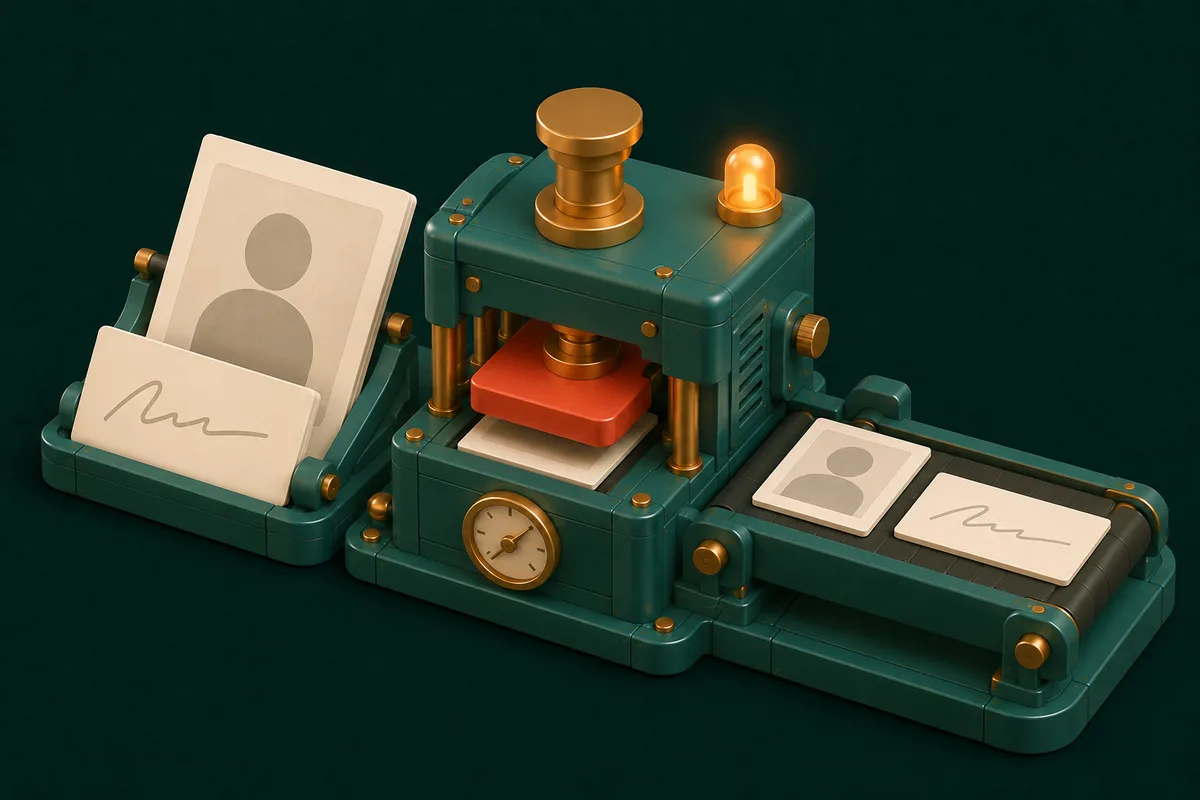
A JPG or PNG is a finished picture: one flat grid of pixels. A PSD is the workshop that picture was made in. It keeps every piece separately — the background photo, the logo, each line of text, the shadow under the button — as layers stacked on top of each other, together with the settings that combine them: opacity, blend modes, effects.
That's why designers send PSDs: the design can still be changed. And it's why ordinary photo viewers refuse to open them. They know how to show one flat picture, and a PSD is a stack of many.
One detail makes viewing possible. When a PSD is saved with Photoshop's Maximize Compatibility option switched on, Photoshop also stores a ready-made, flattened copy of the whole design inside the file — the composite. A viewer that understands the format can show you that composite exactly as Photoshop rendered it, and list the layers next to it.
Open it in three steps
- Open PSD Viewer and drop your
.psdonto the page. Large-document.psbfiles work too. - The composite appears on a checkerboard background — the checks show through wherever the design is transparent. Beside it you'll see the document's facts: pixel dimensions, colour mode, bit depth, how many layers and groups it has, and whether it carries transparency.
- Click Download PNG to save the whole design as an image you can send, print or upload anywhere.
The layer panel is where it gets useful. Every group and layer is listed with its name, whether it's visible, its opacity and its blend mode. Click a layer and its outline lights up on the preview, so you can see exactly which part of the design it is. If that layer has its own pixels — a logo, a product photo, a decorative shape — you can export just that layer as a PNG with a transparent background.
That last feature solves a surprisingly common problem. You need the logo from the design, without its background, for something else. The designer has gone quiet. The logo is sitting in the PSD as its own layer. Click it, export it, done.
What a viewer can't do — and why a layer can look plainer than the design
A viewer is not an editor, and an honest guide says where the line is.
- You can't change anything. No editing text, moving layers, or switching layers on and off to re-render the design. The eye icons show which layers were visible when the file was saved.
- The big preview is the composite Photoshop saved. It matches what the designer last saved, because Photoshop rendered it. What can't be rebuilt piece by piece outside Photoshop is the machinery behind it: smart objects, layer styles such as drop shadows, strokes and glows, many adjustment layers and a few unusual blend modes. Their effect is in the composite; they just won't appear as separate pictures in the layer list.
- Text, shape and adjustment layers may have no thumbnail. They're listed by name, but they're instructions rather than pixels, so there's nothing to export on its own.
- If the designer switched Maximize Compatibility off, there's no composite to show. You can still inspect and export the individual layers — but for the full flattened design, ask them to save again with that option on. It's in Photoshop's save dialog and its File Handling preferences.
- Big files need memory. A print file of a few hundred megabytes with hundreds of layers is decoded on your own device. A laptop handles that far more comfortably than a phone.
Why "open PSD online" shouldn't mean "upload PSD"
Search for a free online PSD viewer and most of what you'll find works the same way: you upload the file to someone's server, it's converted there, and you download the result.
Think about what usually sits in a PSD. Unreleased product designs. A client's brand assets before launch. Wedding cards with names, dates and addresses. Ad creatives under an agency NDA. Uploading that to a site you found five minutes ago — with no idea where it's stored or for how long — is a real risk taken for very little reason.
PSD Viewer reads the file inside your browser. The library that decodes PSDs is built into the page itself rather than fetched from a third-party server, and nothing about your file is sent anywhere. You can check this instead of trusting it: load the page, switch off your Wi-Fi, then open your PSD. It still works, because there was never a server involved.
What to do with the PNG next
Once you've exported the design, the usual next jobs are one click away:
- Need a JPG for a form that refuses PNG? Image Converter switches the format.
- Too heavy for WhatsApp or email? Compress Image shrinks it — design exports are often several megabytes.
- Need exact dimensions for a website banner or a social post? Resize Image.
- Need a PDF for a printer or an office that only accepts PDFs? Image to PDF.
- Exported the whole design but only want the subject? If it isn't on its own layer, Remove Background cuts it out of the flattened image.
When you genuinely need to edit
If the job is changing the design — new text, a different photo, elements moved around — you need a real editor: Photoshop itself, or a free desktop editor such as GIMP, which opens many PSDs with some limitations. But check first whether you really need to edit. Very often the real need is "see the design", "get a PNG" or "pull out the logo", and none of those require installing anything.
Frequently Asked Questions
Is it safe to open a PSD file online?
It depends on whether the site uploads it. PSD Viewer doesn't: the file is decoded in your browser and never leaves your device, which you can confirm by opening a file with your internet switched off. With any other online viewer, find out whether it uploads your file before you use it for client or confidential work.
Can I convert a PSD to PNG or JPG for free?
Yes. Open it in PSD Viewer and click Download PNG. If you need a JPG, run that PNG through Image Converter.
Why does a layer look different from the finished design?
The main preview is the image Photoshop saved, so it matches the design. Single layers can look plainer, because effects like layer styles, smart objects and adjustment layers only exist in combination — a layer shown on its own doesn't carry the shadow or colour shift that another layer adds on top of it.
Can I open PSB files?
Yes. PSB is Photoshop's "large document" format for very big files, and the viewer reads it the same way as a PSD. Very large documents simply take longer to decode and need more memory.
Can I edit the text inside a PSD?
Not with a viewer. Text layers are listed by name, but changing them needs an editor such as Photoshop or GIMP.
Does this work on a phone?
It runs in mobile browsers, but PSDs are often large and decoding them takes memory. For anything big, a laptop or desktop is more reliable.
Somebody sent you a PSD and you just want to see it? Drop it into PSD Viewer. For more format conversions, the Converters drawer has the rest.