

AnyTool Blog
Practical guides for every kind of tool we build — PDFs, images, video, audio, money math, SEO and more — all while keeping your files private.

How to Paraphrase Without AI (Free, Private, Word by Word)
AI paraphrasers send your text to a server and can quietly change what you meant. Here's a free reworder that runs in your browser and shows every word it swaps.

How to Open a PSD File Without Photoshop
A designer sent you a .psd and you don't have Photoshop. You don't need it to see the design, check its layers or save a PNG — a browser tab can do all three.

Emoji Text and Fancy Letters: How They Work, and When They Backfire
Those 🅷🅴🅻🅻🅾 letters in bios aren't a font — they're Unicode characters. That's why they paste into any app, and also why they can quietly break.

Your Scanned PDF Is a Photograph: How to Make It Searchable
Ctrl+F finds nothing in a scanned document because there is no text in it — only a picture of text. OCR adds the missing layer, and it runs in your browser.
Add Subtitles to a Video Without Uploading It Anywhere
Most caption tools want your video on their server and an API key on your card. A modern browser can run the speech model itself — here is how that actually works.
Mask Your Aadhaar and PAN Before You Send Them
Masking is the normal answer for informal requests — but a black box over PDF text deletes nothing. What real redaction requires, and the metadata you forget.

YouTube Thumbnails That Get Clicks — Made Free in Your Browser
The thumbnail decides whether your video exists. Size rules, the design principles behind high-CTR thumbnails, and a maker that costs nothing.

The Complete Social Media Image Size Guide (2026)
Every platform's current dimensions in one table — plus the one-click presets that resize your image for Instagram, YouTube, X and LinkedIn correctly.

Decode JWTs and Inspect Certificates — Safely, Locally
That token contains real user data, and you were about to paste it into a random website. Here's the local way to read JWTs and SSL certificates.
Palettes, Gradients and Mockups — Design Without Design Software
Pick colors that work together, generate CSS you can paste, and mock up ideas — design fundamentals for people whose job title isn't "designer."

BMI, Age and Date Math Without the Spreadsheet
Exact age for the application form, BMI with its honest caveats, working days until the deadline — quick answers to the calculations forms keep demanding.

Why Your Links Look Broken on Social (And the 10-Minute Fix)
That grey box where your preview image should be? Open Graph tags control it — here's how they work, the sizes that matter, and how to test before posting.

Units, Colors, Timestamps: The Everyday Conversion Toolkit
Inches to centimetres, hex to RGB, epoch to human time — the conversions that interrupt everyone's day, each one tool and two seconds away.

DIY Technical SEO: A 30-Minute Health Check for Any Site
Meta tags, sitemap, robots.txt, redirects — the five technical checks that catch most SEO problems, each with a free tool and a pass/fail answer.

From Word Counts to Clean Text: Small Tools, Big Time-Savers
The five-second text jobs that eat twenty minutes — counting, casing, cleaning, comparing — each solved with a tool that does exactly one thing well.

Hashes, Checksums and Encryption — Explained Without the Jargon
Three security words everyone confuses, untangled — plus how to verify downloads and encrypt files using real cryptography that runs in your browser.

Transcribe Audio to Text Free — AI That Never Uploads Your Voice
Meetings, lectures and interviews to searchable text using Whisper AI running entirely on your device. No accounts, no per-minute fees, no uploads.

Strong Passwords You Can Actually Live With
Why length beats symbols, what makes a password crackable, and how to generate genuinely random ones that never leave your device.

Convert Audio Free: MP3, WAV, FLAC and More
Voice notes that won't open, M4A recordings the editor rejects, WAVs too big to send — the audio format guide plus private in-browser conversion.
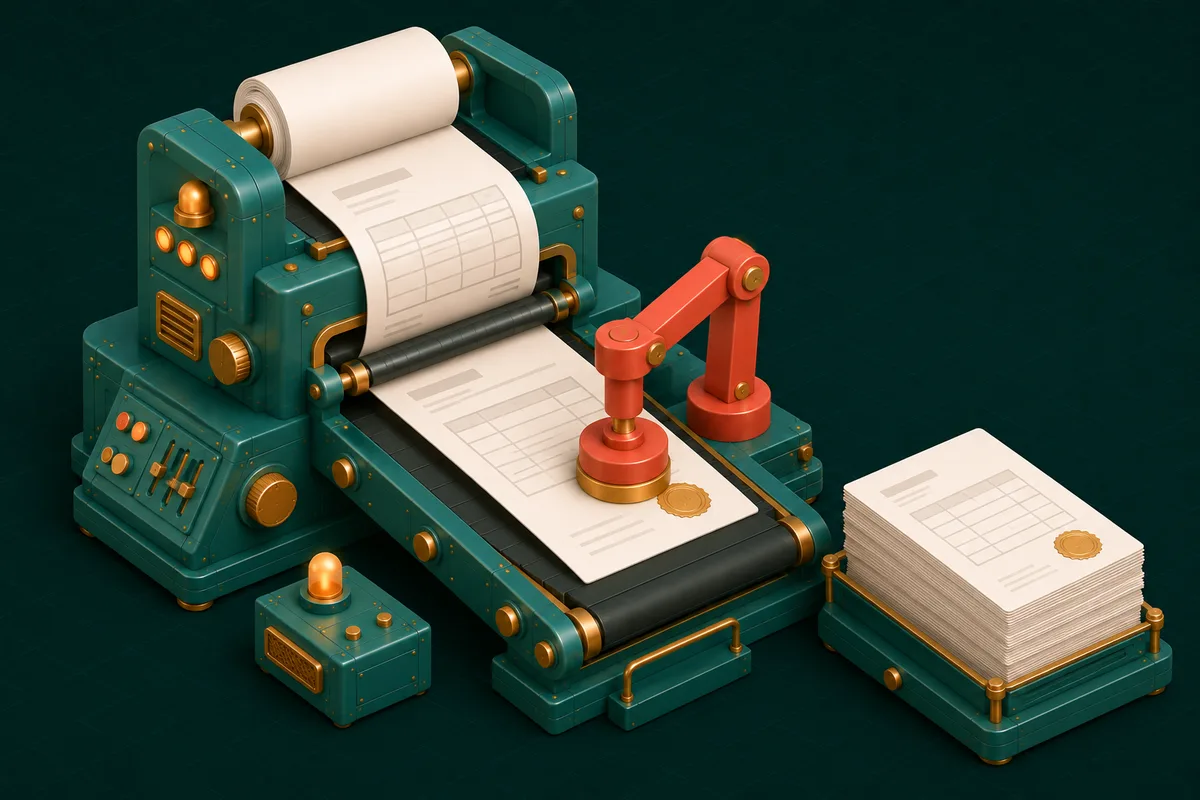
Create a Professional Invoice in 5 Minutes — Free, No Watermark
What a proper invoice must contain (GST fields included), the numbering discipline that saves audits, and a generator that outputs clean PDFs free.

Trim, Convert and Mute Video Without Installing Anything
Cut the good 20 seconds, convert MOV to MP4, mute the background chatter — a complete video toolkit that runs in the browser tab you already have.
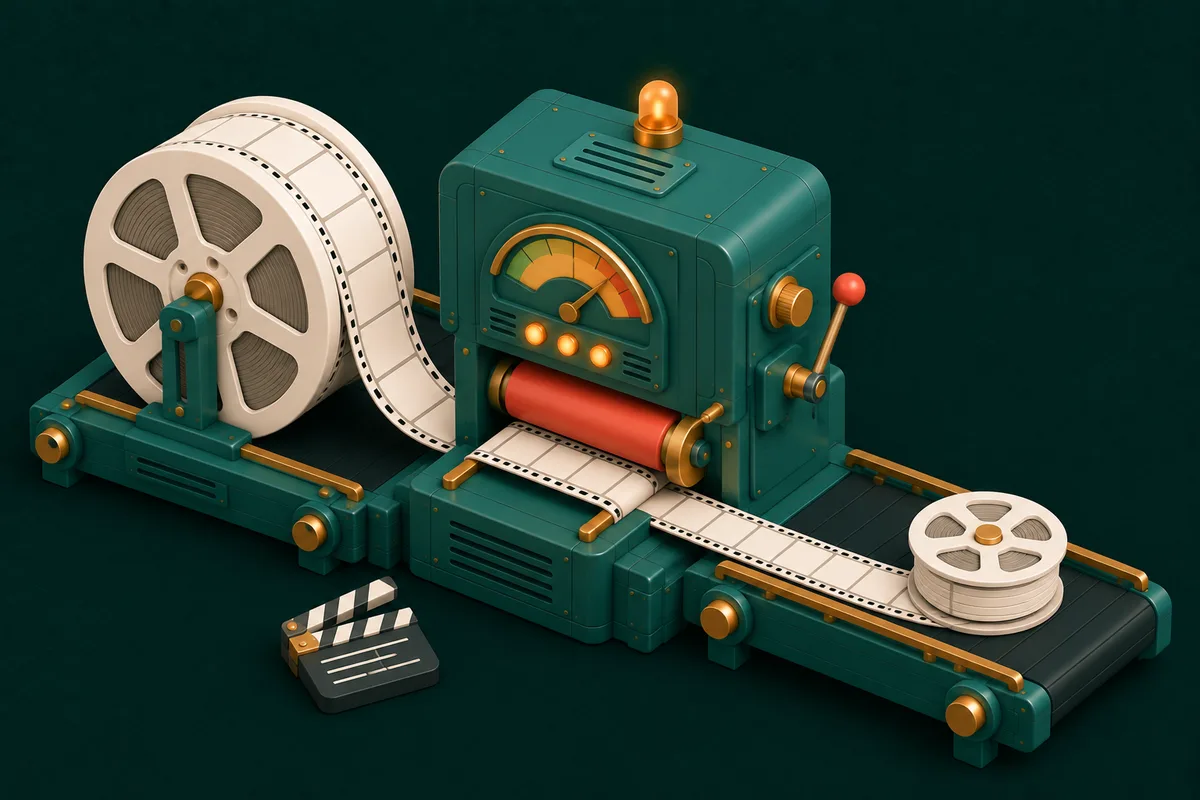
Compress Video in Your Browser: Smaller Files, Same Story
WhatsApp rejects 16MB+, email caps at 25MB, your video is 180MB. Here's how in-browser compression closes that gap — privately.

Word, Excel, PowerPoint and PDF: Convert Documents Privately
The office-format conversion map — which direction preserves what, where formatting survives, and how to do all of it without uploading a single file.
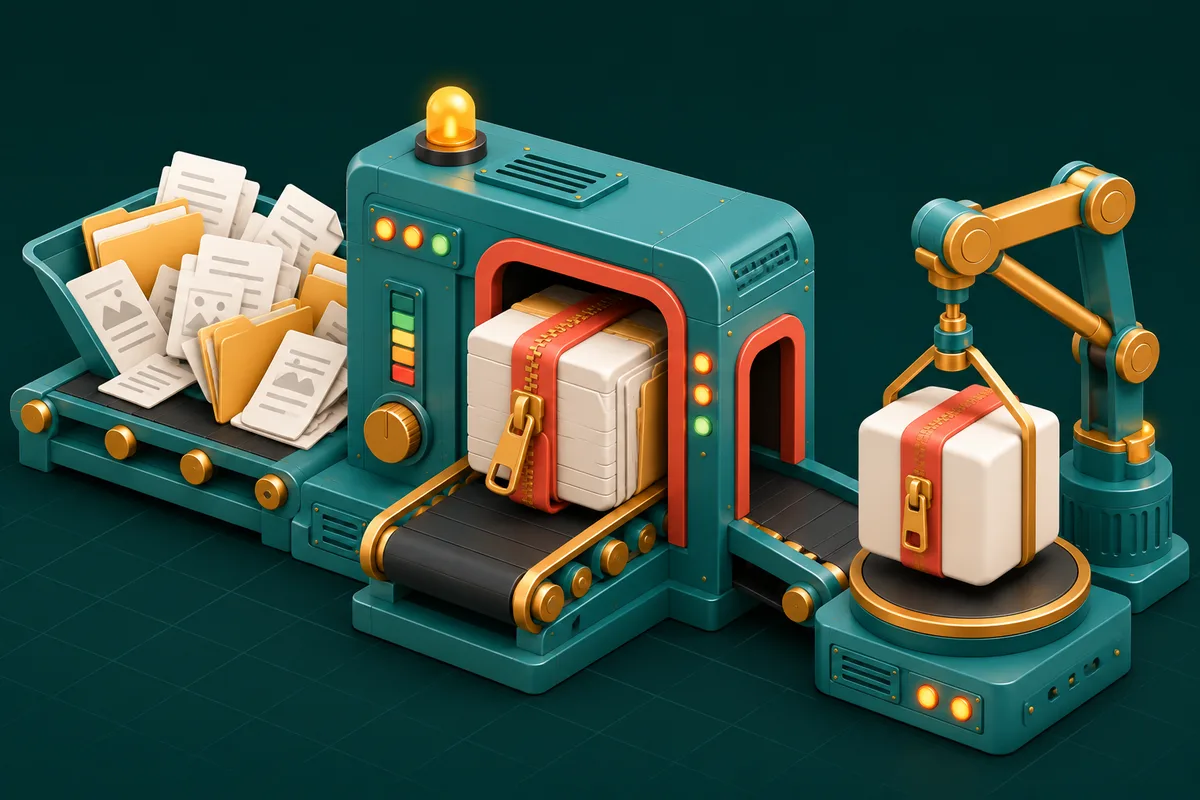
ZIP and Unzip Files Online — No Software, No Uploads
Bundle files for sending, open ZIP and RAR archives you've received — right in the browser, even on locked-down office machines.
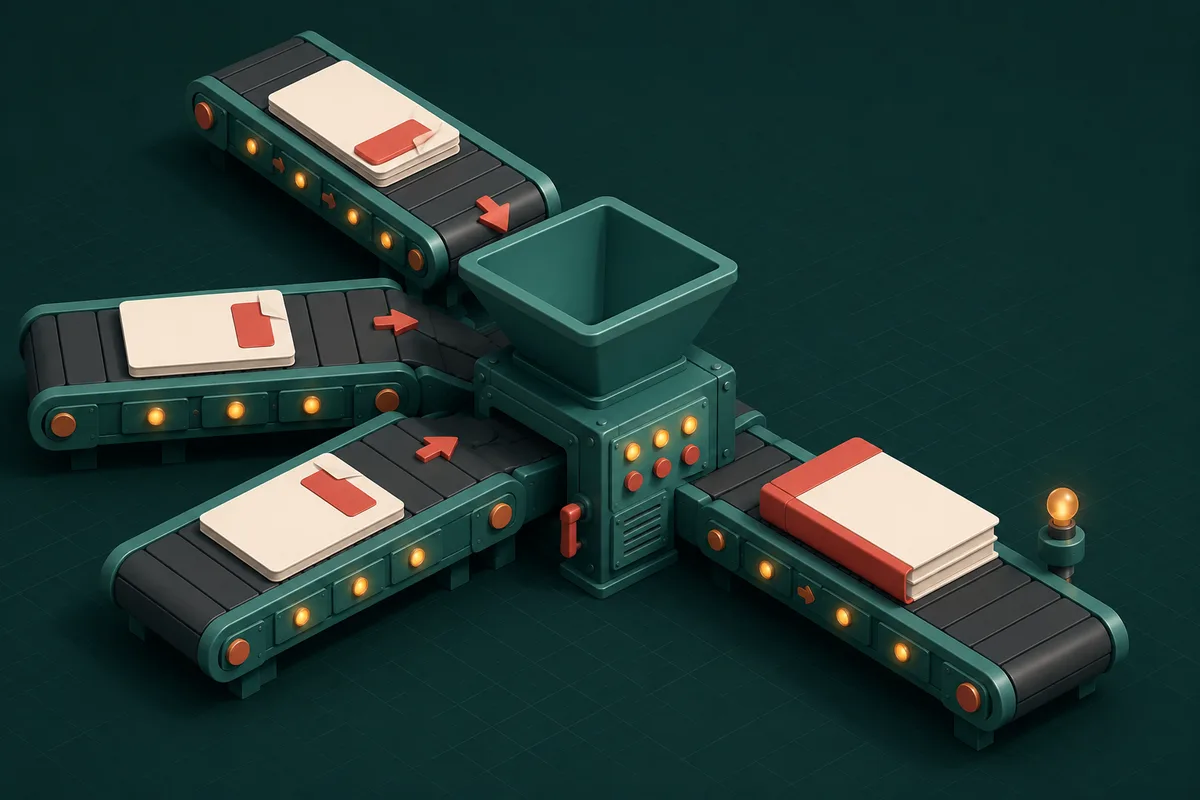
How to Merge PDF Files Without Uploading Them
Combine contracts, scans and reports into one clean PDF — reorder pages visually, keep everything on your device, done in under a minute.

Split PDF: Extract Exactly the Pages You Need
Pull one chapter from a 300-page manual, separate combined scans, or cut a file into email-sized parts — visually, privately, in seconds.

Add Page Numbers to PDF: Complete Guide
Number a thesis, tender or legal bundle properly — position, format, and start-from-any-page control, applied in your browser in seconds.

How to Watermark a PDF: Protect Documents the Right Way
DRAFT, CONFIDENTIAL, or your logo across every page — text and image watermarks with full control, applied privately in your browser.

Rotate PDF Pages: Fix Orientation in Seconds
Scanned upside down? Landscape page trapped in a portrait file? Rotate one page or all of them — permanently, privately, in your browser.

Convert PDF to Images: PNG, JPG and More
Turn PDF pages into crisp images for slides, social posts and previews — with the DPI and format choices that actually matter, explained.

Turn Photos and Scans into One Clean PDF
Homework photos, receipts, ID scans — combine any images into a single ordered PDF with sensible page sizes, right in your browser.

Compress Images Without Losing Quality
Cut image file sizes by 70–90% while keeping them sharp — the lossy/lossless truth, target-size tricks, and batch workflows that save hours.

Bulk Resize Images: One Pass, Perfect Dimensions
Fifty product photos, one size spec — resize whole batches to exact pixels or percentages with aspect ratios handled correctly, in your browser.

PNG, JPG, WebP or HEIC? Convert Images the Smart Way
Every image format has one job it's best at. Learn which to use where — and convert between all of them privately in your browser.

Make Passport Photos at Home: Aadhaar, PAN and Visa Sizes
Studio-quality ID photos from a phone camera — exact official sizes, background rules, and a printable sheet, made privately in your browser.

Favicons in 2026: Every Size Your Site Actually Needs
One logo in, the complete favicon set out — browser tabs, iPhone home screens, Android, PWA icons — with the exact HTML to paste.

Format, Validate and Fix JSON Like a Pro
Turn unreadable API responses into clean, debuggable JSON — and learn the five syntax errors behind almost every 'invalid JSON' message.

QR Codes That Work: Generate, Style and Test
URL, WiFi, UPI or vCard — build QR codes that scan on the first try, with the right error correction and print size for every job.

Base64 Explained: Encode and Decode Anything
Base64 looks like gibberish but it's just an alphabet swap — see how it works, where it hides (JWTs, data URIs) and decode anything in seconds.
Ready to Try AnyTool?
All the tools you've been reading about free, private, and ready to use.
Explore All Tools