How to Paraphrase Without AI (Free, Private, Word by Word)
AI paraphrasers send your text to a server and can quietly change what you meant. Here's a free reworder that runs in your browser and shows every word it swaps.
You've written a paragraph that says the right thing in the wrong words. "Important" appears four times. The tone is too stiff for an email, or too casual for a report. The quick fix today is to paste it into an AI paraphraser, and plenty of people would rather not. The text goes to someone else's server. The AI rewrites more than you asked it to. And some schools and offices have rules about AI-written text.
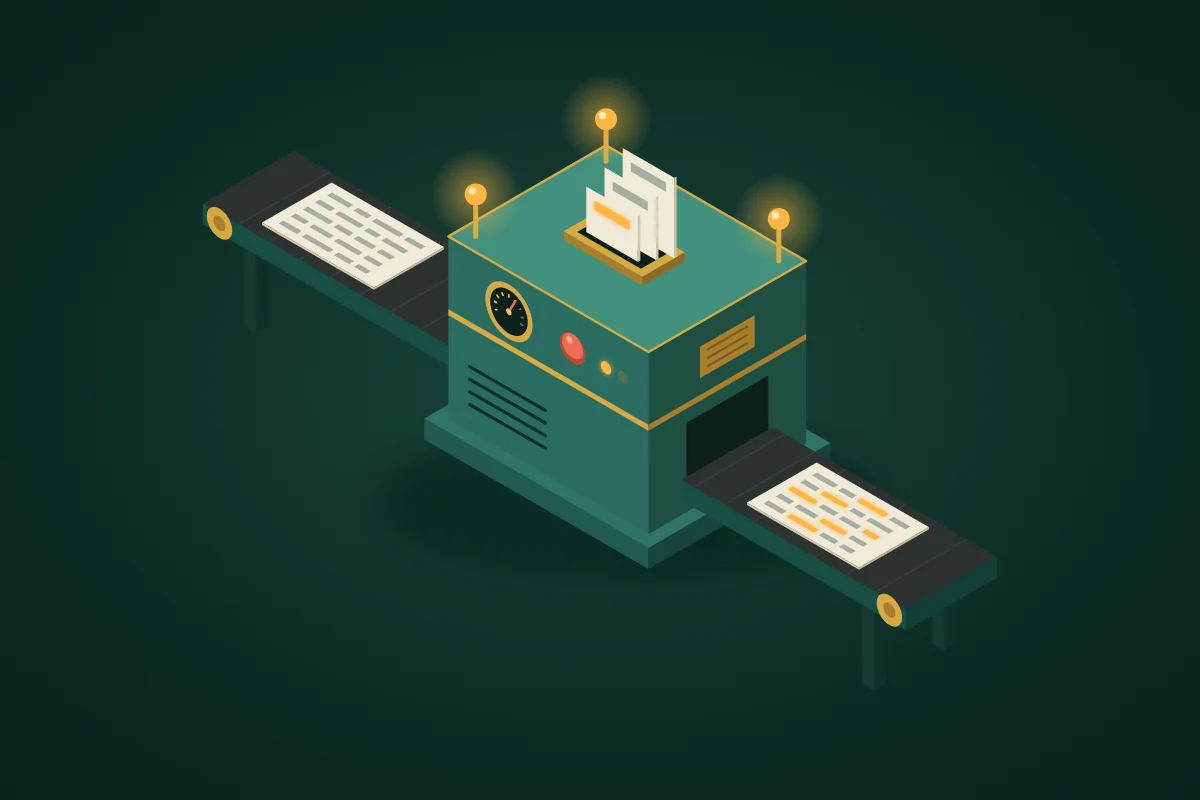
There's an older, more predictable way to reword text: a synonym list and a few fixed rules, running entirely in your browser. It does less than an AI. But you can see everything it does.
What "without AI" actually means
An AI paraphraser runs a language model. It reads your sentence and writes a new one. That's why it can restructure a paragraph completely, and also why it can drop a "may", turn "some" into "most" or add a claim you never made. Most online AI paraphrasers run that model on their own servers, so your text is sent there to be processed.
A rule-based paraphraser doesn't write anything new. It looks words up in a synonym list, swaps some of them, and applies a handful of fixed edits: expanding or shortening contractions, removing filler words, splitting long sentences. It can't invent a sentence, so every change it makes can be traced back to a rule.
Paraphrasing Tool is the second kind, and it says so on the page.
How to paraphrase with it
- Open Paraphrasing Tool and type or paste your text. The reworded version appears above it as you type, with every swapped word highlighted.
- Pick a mode. The six modes are in the table below.
- Set the strength, from 10% to 100% (60% by default). It decides what share of the swappable words the tool tries to change.
- Check the highlighted words. On a computer, hover over one to see the word it replaced. Click it to cycle through the other synonyms. Re-roll gives you a whole new variation.
- Click Copy.
Under the result you'll see what changed: how many words were swapped out of how many could be, the change rate, the shift in reading ease (on the Flesch scale), and how many filler words, contractions and long sentences were edited.
Some things it never swaps: words inside double quotes, numbers, words in capitals such as GST or NASA, names in the middle of a sentence, and small words like "the", "and", "of" and "with". Your quotations, figures and names stay exactly as you wrote them. And when it changes a word, it fixes the "a" or "an" in front of it: if "good" becomes "excellent", "a good idea" becomes "an excellent idea", never "a excellent idea".
| Mode | What it does |
|---|---|
| Standard | Balanced swaps, everyday synonyms first |
| Fluency | Fewer swaps; removes filler words such as "really" and "basically" |
| Formal | Formal synonyms; expands contractions ("don't" becomes "do not"); removes filler |
| Simple | Plainer synonyms; expands contractions; removes filler; splits sentences longer than 24 words at a joining word such as "and" or "because" |
| Shorten | The fewest swaps; removes filler; shortens "do not" to "don't" |
| Expand | Formal synonyms; expands contractions; starts about one sentence in three with a linking phrase such as "Moreover," or "In fact," |
The trimming modes remove a filler word only where it is filler. In Fluency, "a very important change" comes out as "an essential change": "very" is gone and the article fits the new word. But "a pretty dress", "rather than" and "not quite" stay as they are. Contractions follow the verb, so "I'd finished" becomes "I had finished"; where the verb doesn't make it clear, the contraction is left alone.
A real example, mistake included
With the default settings (Standard mode, 60% strength), this sentence:
The new policy is important because it will help small teams find useful information quickly.
comes out as:
The new policy is essential because it will help minor teams find valuable information swiftly.
Three of the four swaps work. "Minor teams" doesn't: it means teams that don't matter much, not small ones. A synonym list knows that "small" and "minor" can mean the same thing. It can't know which meaning your sentence needs.
The fix takes one click. Click "minor" and it becomes "modest", then "tiny", then "little". That's how the tool is meant to be used: it suggests, you decide. Clicking never brings back your original word, so if none of the options fits, lower the strength, re-roll, or fix that word after you copy the text.
What it can't do
A guide that only lists strengths isn't much use. Here's where a synonym list stops.
- It only knows common words. The list covers about 135 everyday English words, such as "good", "important", "help", "find" and "quickly", each with a few synonyms. In an everyday email we tested, about one word in five could be swapped; in a short essay paragraph, about one in three. In technical and legal sentences ("configure the reverse proxy…", "the licensee shall indemnify…") not one word was on the list, so that kind of text comes back unchanged.
- It doesn't understand context. "A big fan of old films" can become "a large fan of dated films". Every highlighted word deserves a quick look.
- It doesn't restructure ideas. It won't merge two points, reorder an argument or find a fresh way to say something. That part of paraphrasing is yours.
- Grammar can need a touch-up. A swap can leave a verb that no longer fits: "help small teams find" can become "assist small teams discover". Grammar Checker catches mechanical slips; only reading catches this kind.
- English only. Hindi, Hinglish or any other language passes through unchanged.
Why choose a tool without AI?
Your text stays on your device. A cover letter, a client email, a draft report or unpublished research: none of it is sent anywhere. The rewording happens inside the browser tab. You can check this instead of trusting it: load the page, switch off your Wi-Fi, then paste your text. It still works, because there's no server involved.
Every swap is visible. An AI paraphraser hands back new sentences, and you have to compare them line by line to find what moved. Here your sentence structure stays, and every swapped word is highlighted with its original one hover away. When a swap is wrong, you can see it.
It's predictable. The same text with the same settings gives the same result every time. When you want a different version, re-roll.
It's free. No sign-up and no word cap.
To be fair to AI: if you need a paragraph rewritten from the ground up (restructured, cut in half, moved into a completely different voice), a language model can do things a synonym list can't. Just know where your text is going, and read what comes back.
Paraphrasing a source? Do it properly
In writing, to paraphrase means to restate someone else's idea in your own words and your own sentence structure, and still say where it came from. Swapping a few words in another writer's sentence while keeping their structure is what writing guides call patchwriting, and it can count as plagiarism even when you cite the source.
So don't run a source through any paraphrasing tool, AI or not. This routine works better:
- Read the source until you understand it, then close it.
- Write the idea down from memory, in your own words.
- Run your draft through Paraphrasing Tool to vary repeated words or adjust the tone: Formal for a report, Simple for a general reader.
- Run the result through Grammar Checker.
- Paste the source and your version into Plagiarism Checker. It highlights the passages the two still share. It compares only the texts you paste in; it doesn't search the web.
- Cite the source. Citation Generator formats it in APA, MLA, Chicago or Harvard style.
Related tools
- Synonym Finder: look up a single word and get formal, neutral and simple options. You can also paste a sentence, click any word and swap it in place.
- Article Rewriter: the same engine for a whole article. It works paragraph by paragraph and keeps your headings, lists and blank lines.
- Text Summarizer: picks the most important sentences already in a long text. It doesn't write new ones.
- Readability Checker: scores how easy your text is to read, with Flesch-Kincaid, Gunning Fog and other measures.
- Word Counter: for when the rewrite has to fit a limit.
Frequently Asked Questions
Is there a free paraphrasing tool that doesn't use AI?
Yes. Paraphrasing Tool is rule-based: a synonym list plus a few fixed sentence edits. It's free, needs no sign-up, has no word cap and runs in your browser.
Is my text uploaded anywhere?
No. The rewording happens in your browser tab, and the text never leaves your device. To confirm it, open the page, switch off your internet and paste some text. It still works.
Can I use it for school or college work?
Check your course rules first: some ban paraphrasing tools of any kind, AI or not. Where they're allowed, use it on your own draft, not on a source, and cite every idea that came from someone else. We make no claim about what an AI or plagiarism detector will say about the result. That isn't what the tool is for.
Why did it choose a strange word?
Because a synonym list doesn't know which meaning of a word your sentence uses. "Big" can mean "large", but a big fan isn't a large one. Click the word to try the next synonym, lower the strength so fewer words change, or re-roll.
Does it work on a phone?
Yes. Rewording text is light work, so it runs well in mobile browsers. Hovering to see the original word needs a mouse, but the highlights and click-to-swap work on a touchscreen too.
Does it work offline?
Yes, once the page has loaded. Open it while you're online, and it keeps working after you lose the connection.
Can it paraphrase Hindi or other languages?
No. Its synonym list is English only, so text in other languages comes back unchanged.
Got a paragraph that says the right thing in the wrong words? Paste it into Paraphrasing Tool. More writing tools are in the Text Tools drawer.