Strong Passwords You Can Actually Live With
Why length beats symbols, what makes a password crackable, and how to generate genuinely random ones that never leave your device.
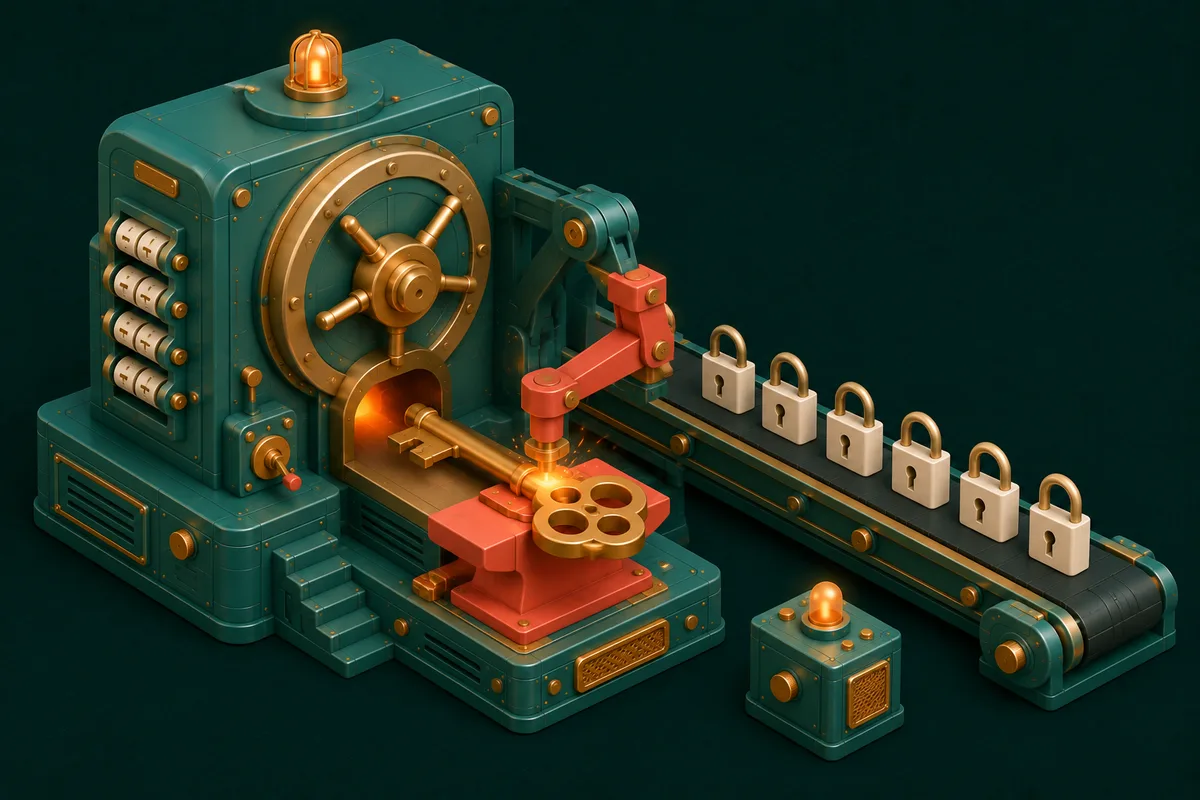
Somewhere between password123 and xK#9$mQ!2 lies the truth about password security — and it isn't where most "add a symbol and a capital" advice points. Attackers don't sit guessing your dog's name; they run billions of attempts per second against leaked databases, and the math of what survives that is well understood.
The good news: strong passwords are a solved problem. The workflow takes less effort than the bad habits it replaces.
The math that actually matters: length
Every added character multiplies the guessing work; every clever substitution barely dents it. P@ssw0rd! — the template of corporate password theatre — falls in minutes, because attackers try exactly those substitutions first. Meanwhile a plain-lowercase 16-character random string outlasts an 8-character symbol soup by billions of times.
Practical bar for 2026: 16+ characters, randomly generated, for anything that matters. Password Generator produces them with one click — length slider, character-set toggles, and crucially, real randomness (human-invented "random" is a keyboard walk away from predictable).
Random string or passphrase? Both are right
Two valid philosophies, chosen by where the password lives:
- Random strings (
vR7#kp2wQx9!mZ4t) — maximum strength per character, impossible to remember, and that's fine: these belong in a password manager, pasted, never typed from memory. - Passphrases (
plum-battery-window-frost) — four+ random words; long enough to be strong, human enough to be typed on a TV keyboard. Perfect for the passwords you must remember: your device login and the master password guarding the manager itself.
The system, then: memorize one strong passphrase for the manager; let the manager hold unique random strings for everything else.
The rule that outranks strength: uniqueness
Reused passwords fall to credential stuffing — a leak at any random forum becomes a key tried against your email, bank and cloud within hours. A merely-good unique password beats a magnificent reused one, every time. If you take a single action today: make your email password unique (email is the master key — every "forgot password" flows through it), then work outward. Enable 2FA on the important accounts as the second layer; it turns a stolen password from a disaster into an inconvenience.
Why local generation matters
An uncomfortable question for most online generators: who else saw that password? When generation happens on a server, the honest answer is "trust us." Password Generator runs entirely in your browser using the cryptographic randomness built into it (the same Web Crypto machinery covered in our hashing and encryption guide) — generate offline in airplane mode if you enjoy proof. Nothing is transmitted because there is nowhere to transmit to.
The neighbours in the Security & Privacy drawer extend the same principle: Hash Generator for verifying file integrity, and inspection tools that let you examine tokens and certificates without pasting secrets into strangers' websites.
Frequently Asked Questions
How often should I change passwords?
Modern guidance: on evidence of compromise, not on a calendar. Forced 90-day rotation breeds weak patterns (Summer2026! → Winter2026!). Unique + long + 2FA beats frequent + predictable.
Are password managers themselves safe?
The reputable ones encrypt your vault locally with your master passphrase — a design where even the provider can't read it. The alternative (reuse or browser sticky notes) loses on every axis. Use one; guard it with a passphrase.
Is a 12-character password enough?
For low-stakes accounts, adequate. For email, banking and anything with your identity: 16+ random characters costs nothing extra when a manager types it for you — take the free margin.
What about security questions?
Treat them as passwords: generate random answers and store them in the manager. "Mother's maiden name" is public-record trivia, not a secret — nothing forces you to answer truthfully.
Two minutes of setup ends a decade of password anxiety: open Password Generator, fix your email account first — and the rest of the vault-building kit is at Security & Privacy.