The Complete Social Media Image Size Guide (2026)
Every platform's current dimensions in one table — plus the one-click presets that resize your image for Instagram, YouTube, X and LinkedIn correctly.
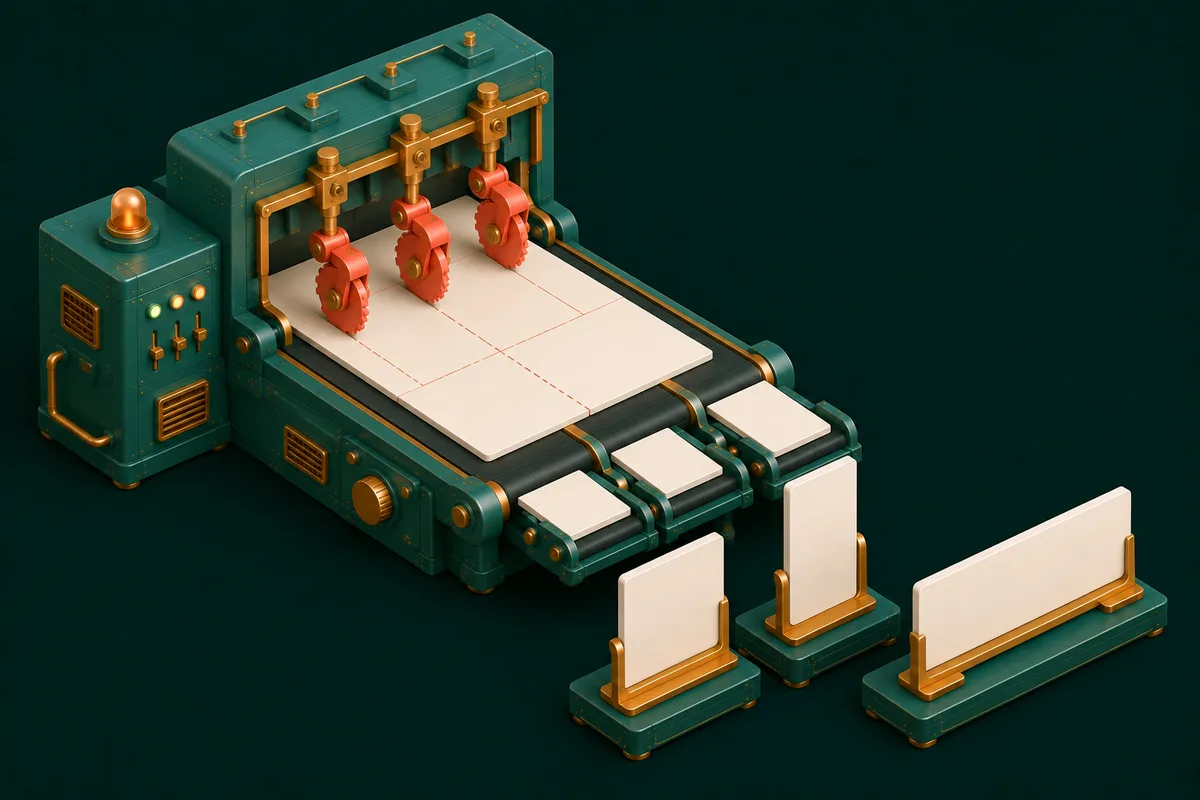
Post a perfectly good image at the wrong size and the platform takes revenge: faces cropped at the forehead, text sliced mid-word, a crisp graphic recompressed into fuzz. Every network has its own dimensional dialect, the numbers drift every couple of years, and "I'll just let it auto-crop" is how banner text loses its last word in public.
Here's the 2026 reference table — and the tools that make hitting these numbers a click instead of a calculation.
The sizes that matter in 2026
| Platform | Placement | Size (px) | Ratio |
|---|---|---|---|
| Feed (portrait, the default now) | 1080×1350 | 4:5 | |
| Feed (square, still fine) | 1080×1080 | 1:1 | |
| Story / Reel | 1080×1920 | 9:16 | |
| YouTube | Thumbnail | 1280×720 | 16:9 |
| YouTube | Channel banner | 2560×1440 | 16:9 (safe area matters) |
| X (Twitter) | In-feed image | 1600×900 | 16:9 |
| X | Header | 1500×500 | 3:1 |
| Shared image | 1200×627 | 1.91:1 | |
| Cover | 1584×396 | 4:1 | |
| Feed image | 1200×630 | 1.91:1 | |
| Cover | 820×312 | — | |
| WhatsApp/generic | Link preview (OG) | 1200×630 | 1.91:1 |
Three durable principles behind the numbers: upload at least these dimensions (platforms downscale gracefully, upscale uglily); vertical formats (4:5, 9:16) get more screen per impression on mobile feeds; and every "cover/banner" placement crops differently per device — keep critical content in the central safe area.
The one-click route: platform presets
Memorizing the table is nobody's job. Social Media Image Resizer carries these placements as presets — pick "Instagram Story," drop your image, and the crop frame is already the right ratio; drag to choose what survives the crop, export at exact pixels. The deliberate-crop step is the quality difference: auto-crop centers blindly, while your subject is rarely dead-center.
For sizes outside the presets, the general pair does everything: Crop Image to the target ratio, then Resize Image to exact pixels. Bulk-preparing one design for five platforms? Run the presets in sequence — five exports, five minutes.
The compression companion
Dimensions are half the spec; weight is the other half. Platforms recompress heavy uploads aggressively — and their compressor is tuned for speed, not your gradients. Uploading a lean file (under ~1MB for feed images) keeps quality decisions in your hands: Compress Image after resizing, always in that order. Text-heavy graphics survive best as PNG; photos as high-quality JPG — the full logic lives in our format guide.
Platform-specific extras
The image is rarely the whole post. Same drawer, adjacent jobs: Instagram Grid Preview shows how feed posts compose into the profile mosaic before you commit; Hashtag Generator builds tag sets sized to each platform's culture; Social Bio Generator fits your pitch into each network's bio limits; and YouTube's thumbnail — the placement with the highest stakes per pixel — has its own complete guide and maker.
Frequently Asked Questions
Do I really need different images per platform?
For feed posts, one 1080×1350 master crops acceptably to most placements. For anything with text or tight composition — thumbnails, covers, stories — per-platform exports are the difference between professional and cropped-forehead.
Why does my uploaded image look blurry on the platform?
Either it was under-sized (platform upscaled it) or overweight (platform recompressed it hard). Exact dimensions + lean file size prevents both — that's the whole workflow above.
What's the safe area on banners?
Assume the outer ~20% of any cover/banner can vanish on some device. Logos and text live in the center; textures and color can run to the edges.
Where do these tools process my images?
In your browser — unpublished creative never uploads anywhere until you post it. Draft freely.
Bookmark the table, but use the shortcut: open Social Media Image Resizer, pick the preset, drag the crop — the whole creator bench is at Social Media.