Convert Audio Free: MP3, WAV, FLAC and More
Voice notes that won't open, M4A recordings the editor rejects, WAVs too big to send — the audio format guide plus private in-browser conversion.
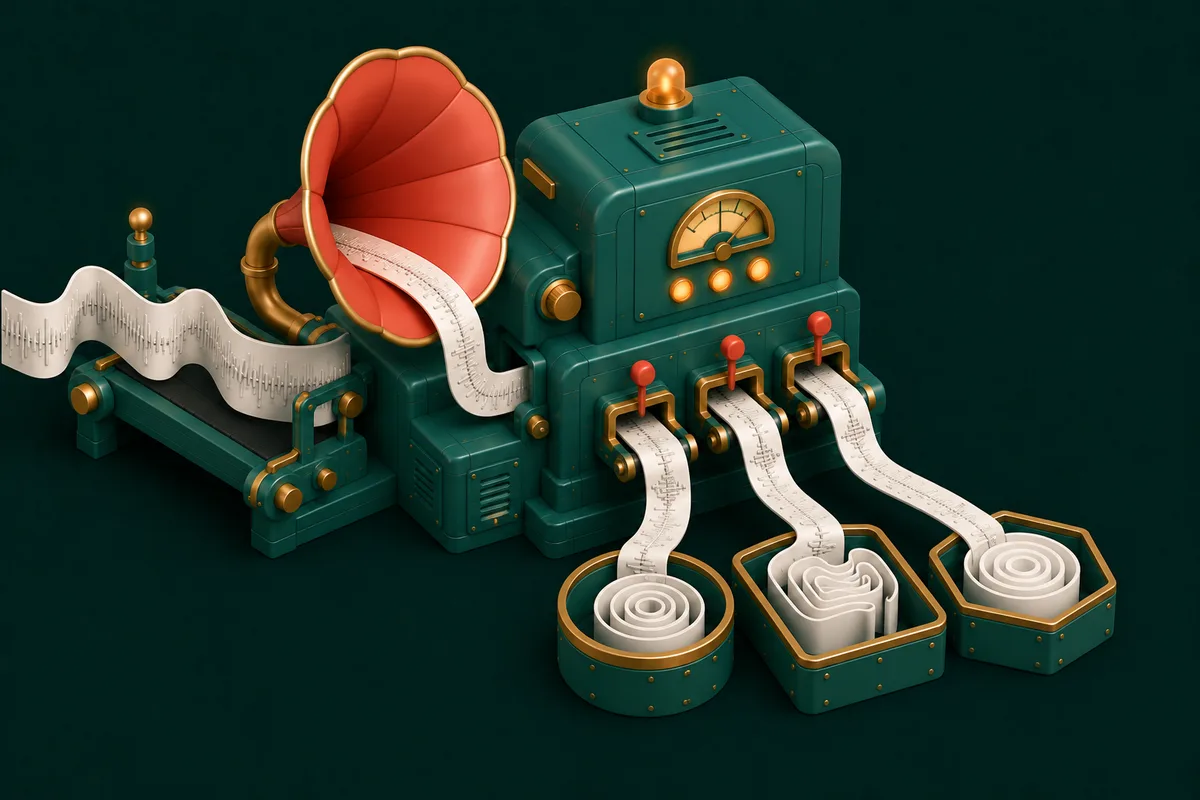
The voice recorder saved M4A and the transcription service wants WAV. The podcast edit exported a 400MB WAV and your co-host's inbox caps at 25. The old interview archive is FLAC and the car stereo pretends FLAC doesn't exist. Audio formats are a compatibility lottery — unless you know the three families and keep a converter in the browser.
The three families of audio formats
Lossy & universal — MP3, M4A/AAC. Compressed by discarding what ears barely register. MP3 plays on literally everything ever made; M4A/AAC is its more efficient successor and what iPhones record. Small files, excellent for voice and everyday music.
Lossless & huge — WAV, FLAC. WAV is raw uncompressed audio (the editing and pro-tools standard); FLAC packs the same perfect data ~40% smaller. Ten times the size of MP3 for the same recording — worth it only when the audio will be edited further or archived.
The rule: work and archive in lossless; share in lossy. And critically — converting lossy → lossless (MP3 → WAV) makes the file huge without restoring an atom of quality. The data MP3 discarded is gone; WAV just stores its absence expensively.
Converting in the browser
- Open Audio Format Converter.
- Drop in files — batches welcome.
- Pick the target format and bitrate (192kbps is transparent for voice; 256–320kbps for music you care about).
- Convert and download. Everything runs locally — an hour-long private meeting recording converts without visiting any server.
Shortcuts for the two most common trips: M4A to MP3 for making iPhone recordings universal, and MP4 to WAV when a video's audio needs to enter an editing workflow. Coming from video generally? Video to MP3 extracts the soundtrack first.
Size problems are their own tool
If the format is fine but the file is fat, don't convert — compress: Compress Audio lowers bitrate within the same format, turning a 100MB recording into a 20MB one that emails happily. For voice content, aggressive compression is nearly free; speech stays fully intelligible at bitrates that would mangle music.
Beyond conversion: the quick fixes
Recordings rarely need just a format change. The usual suspects, each one tool away:
- Audio Trimmer — cut the dead air and the "is this thing on?" opening.
- Audio Merger — join takes or stitch interview parts in order.
- Audio Volume — rescue the too-quiet phone recording.
- Audio Noise Removal — reduce fan hum and hiss on voice recordings (honest note: it helps, it doesn't work miracles on truly bad audio).
- Audio Fade In/Out — the two-second polish that makes clips sound produced.
Frequently Asked Questions
What format should I send a voice recording in?
MP3 at 128–192kbps — universally playable, small, and completely clear for speech. Reserve WAV for when the recipient is an editor or transcription workflow that requests it.
Will converting FLAC to MP3 ruin my music?
At 256–320kbps, the difference from lossless is inaudible to nearly everyone on nearly all equipment. Keep the FLAC as archive; carry the MP3.
Why is my converted WAV so big?
Because WAV is uncompressed by design — roughly 10MB per minute of stereo. If the size surprises you, you probably wanted MP3 or Compress Audio instead.
Is there a length limit?
No artificial one. Long recordings simply take proportionally longer, since your own device does the encoding — the privacy trade that makes these tools safe for confidential audio.
Next incompatible recording: open Audio Format Converter, pick MP3, send — the full studio rack is at Audio Tools.