Transcribe Audio to Text Free — AI That Never Uploads Your Voice
Meetings, lectures and interviews to searchable text using Whisper AI running entirely on your device. No accounts, no per-minute fees, no uploads.
Transcription services charge ₹50–100 per audio minute or a monthly subscription — and either way, your recording gets uploaded to their servers. For a public podcast, fine. For a client call, a doctor's dictation, a research interview with a confidentiality clause? That upload is the problem, regardless of the privacy policy attached to it.
Here's the shift that changed the game: speech-recognition AI got small and fast enough to run inside a browser. Same family of models the paid services use — running on your hardware, so the audio never leaves it.
How on-device transcription works
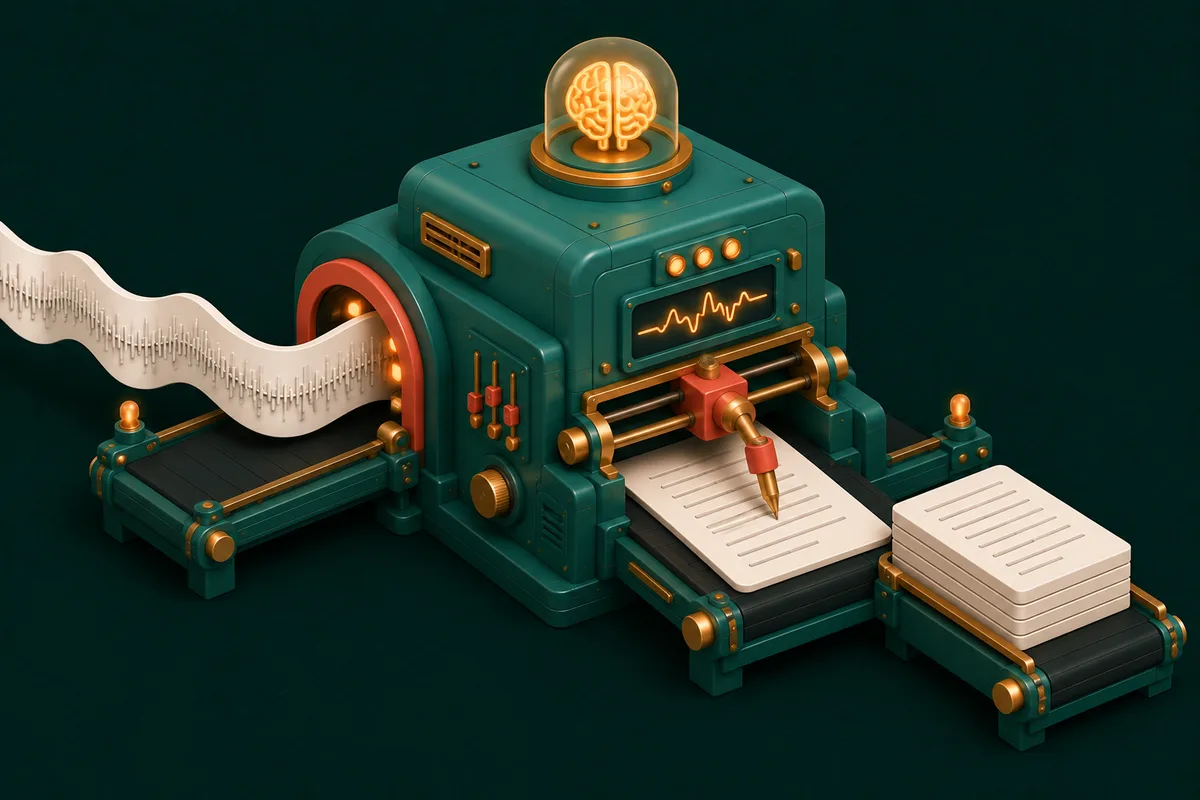
Audio Transcription runs OpenAI's Whisper model — the open-source benchmark for speech recognition — directly in your browser via WebAssembly. On first use it downloads the model itself (a one-time fetch, cached for every later session); after that, the pipeline is entirely local: your audio is decoded, fed through the neural network on your machine, and text comes out. Airplane mode works. That's not a marketing claim about deletion policies — it's an architecture where there's nothing to delete.
Transcribing a recording
- Open Audio Transcription. First visit sets up the model — grab a coffee, it's once.
- Drop in the audio (common formats accepted; if something exotic refuses, Audio Format Converter to MP3 first).
- Transcribe. Progress shows as the model works through the audio.
- Copy the text, or take it onward — clean it up, summarize it, file it.
Honest expectations: quality and speed
Whisper is genuinely good — clear speech transcribes with accuracy that would have cost real money five years ago, and it handles accents and many languages well. But physics and honesty require three caveats:
- Speed: your device does the computing. Expect roughly real-time-ish performance on a decent laptop — a 30-minute lecture is a background task, not an instant one. Paid cloud services are faster because they're burning server farms; you're trading minutes for privacy and zero cost.
- Audio quality in, text quality out. Crosstalk, heavy background noise and distant microphones degrade any transcriber. Running Audio Noise Removal first measurably helps borderline recordings; Audio Volume rescues too-quiet ones.
- Names and jargon — technical terms and proper nouns are every model's weak spot. Budget a proofread pass for anything published.
Making the transcript useful
Raw transcripts are a start, not an end:
- Trim before transcribing — Audio Trimmer cuts the pre-meeting chatter so you don't transcribe (or wait through) it.
- Word and character counts for articles built from interviews — Word Counter on the output.
- Compare edited drafts against the original with Diff Checker.
- Long video sources — extract audio first with Video to MP3; transcribing a 3MB audio beats feeding a 300MB video.
Who this quietly changes things for
Students turning lectures into searchable notes. Journalists with interview hours and ethics about sources. Doctors and lawyers whose dictations legally shouldn't tour third-party servers. Content creators subtitling on zero budget. The common thread: transcription used to force a choice between money and privacy — on-device AI removed the choice.
Frequently Asked Questions
Is it really free with no limits?
Yes — no per-minute billing, no monthly cap, no account. The "cost" is your device's processing time, which is the honest trade at the heart of every AnyTool utility.
Which languages work?
Whisper is multilingual and handles major world languages well, including Indian English robustly. Very low-resource languages and heavy code-switching reduce accuracy — test with a short clip first.
Can it separate different speakers?
No — Whisper transcribes what was said, not who said it. Speaker labels remain a manual (or paid-tool) job; for interviews, a quick pass adding "Q:" and "A:" is usually enough.
My browser feels slow during transcription — normal?
Normal — the model is genuinely working. Leave the tab running in the background; other tabs remain usable, and long files simply take their time.
Your recordings are sitting there unsearchable: open Audio Transcription, drop one in, and read it instead — more sound tools at Audio Tools.