Make Passport Photos at Home: Aadhaar, PAN and Visa Sizes
Studio-quality ID photos from a phone camera — exact official sizes, background rules, and a printable sheet, made privately in your browser.
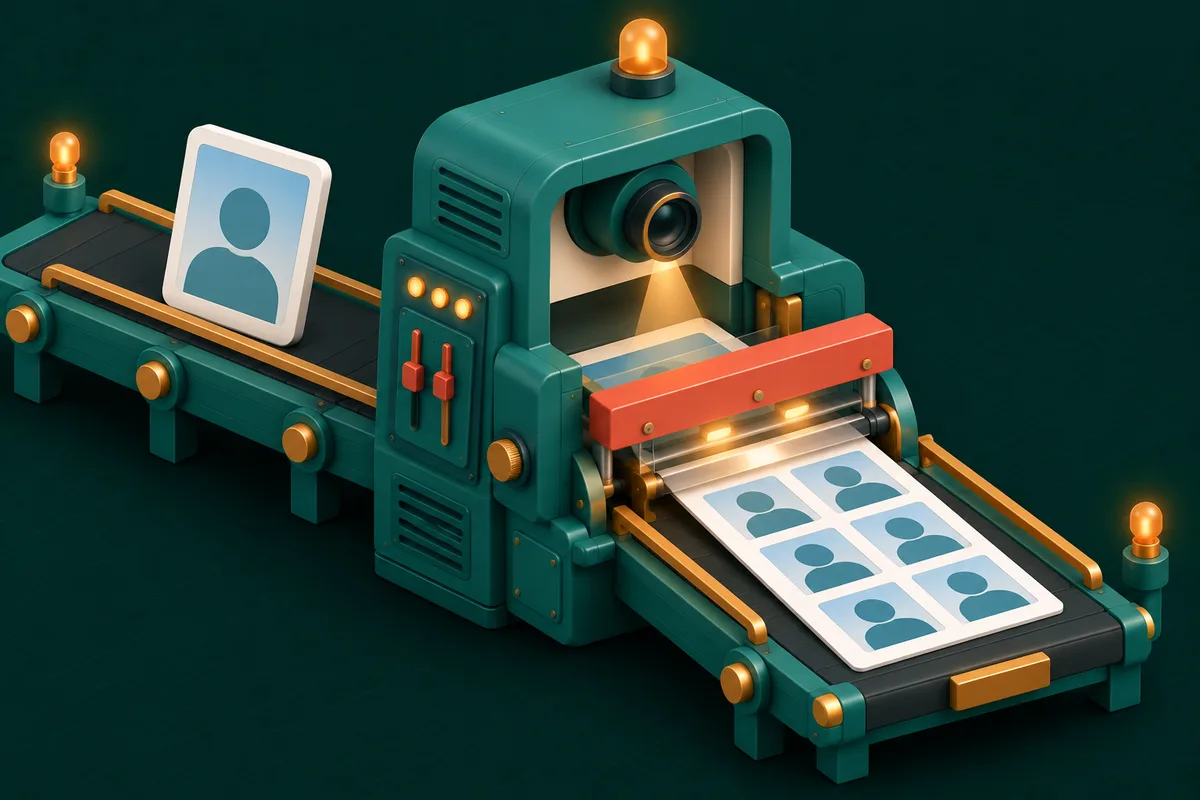
The passport-photo studio charges ₹150–300 for six prints, keeps you waiting, and somehow always catches you mid-blink. Meanwhile the actual requirements — exact dimensions, plain background, face proportions — are completely mechanical. A phone camera plus the right cropping tool produces photos that officials accept every day, for free.
Here's the whole studio, in your browser.
Know your target size first
Different documents, different specs — the difference matters because portals verify pixel dimensions:
| Document | Size | Notes |
|---|---|---|
| Indian passport / visa | 35×45 mm | Also the near-universal international standard |
| Aadhaar | 35×45 mm | Portal versions often want specific KB limits too |
| PAN card | 25×35 mm | Smaller than passport size — don't reuse blindly |
| US visa (DV etc.) | 2×2 inch | Square — a common trip-up for Indian applicants |
Passport Photo Maker carries these presets (and more), so you pick the document rather than memorizing millimetres.
Taking a photo that will pass
Ninety percent of rejections happen at the camera, not the crop. The checklist:
- Light from the front — face a window; shadows across the face or behind the head are the top rejection reason.
- Plain, light background — a white or off-white wall. Stand half a metre in front of it to avoid shadows.
- Neutral everything — eyes open, mouth closed, no tilt, both ears visible where required, no glasses glare (or no glasses).
- Camera at eye level, arm's length or tripod — selfies distort proportions at close range; have someone else shoot or use the timer.
Background not cooperating? Remove Background lifts you cleanly off a messy wall so a pure white one can sit behind — the at-home equivalent of the studio backdrop.
From photo to official file
- Open Passport Photo Maker and load the shot.
- Pick the document preset — the crop frame appears with correct proportions and face-position guides.
- Align: head size and eye line sit within the guide marks (officials really do measure this).
- Export the single photo for portal upload — and mind the size limit: portals often demand 20–100KB, which Compress Image hits precisely with target-size mode.
Printing: six photos for the price of none
Physical forms still want pasted photos. Instead of printing one photo six times, generate a print sheet: the tool tiles your photo onto a standard 4×6-inch layout — six to eight copies per sheet. Print it at any photo shop (or home printer on glossy paper) for ₹10–20 and cut along the guides. That's the entire studio economics, inverted.
The KB-limit endgame
Indian portals combine dimension rules with aggressive size caps — Aadhaar updates, exam forms, and job applications regularly demand photos under 50KB and signatures under 20KB. The finishing chain: crop with Passport Photo Maker → compress with Compress Image to the exact KB target → upload. Signature images follow the same route, usually via Crop Image first to trim the paper around the ink.
Frequently Asked Questions
Will officials accept a self-made photo?
Yes — requirements are about the photo, not who took it: correct size, plain background, proper face proportion, recent, unedited beyond crop/background. Follow the guides and it's indistinguishable from a studio print.
Can I fix a slightly dark photo?
Mild brightness correction with Beautify Image is fine — the line is altering appearance. Skin smoothing and filters get photos rejected; light correction doesn't.
What about baby photos for passports?
Same sizes apply; most authorities relax the expression rules for infants. Lay the baby on a plain white sheet, shoot from directly above, and crop as usual.
Is my photo private?
Completely — cropping, background removal and compression all run in your browser. An ID photo never touches a server, which is more than most "free passport photo" sites can say.
Skip the queue and the ₹300: open Passport Photo Maker, follow the guides, and print a sheet — companion tools live at Image Tools.