How to Compress PDF Under 200KB for Government Portals
Portal says "file too large"? Here's how to hit 200KB, 500KB or any exact size limit — without uploading your documents anywhere.
You scanned your documents, filled the form for twenty minutes, hit upload — and the portal threw back "File size must not exceed 200KB." Your scan is 2.4MB. If you're applying for a PAN card, a government job, or a university seat in India, you've almost certainly lived this exact moment.
Here's the good news: getting a PDF under 200KB takes about thirty seconds, and you don't need to install anything or upload your Aadhaar card to a random website to do it.
Why portals have these limits
Government and university portals run on infrastructure that processes lakhs of applications. Strict size limits (commonly 100KB, 200KB, 300KB or 500KB) keep their servers responsive and their storage costs sane. The limits aren't going away — so the practical skill is hitting them reliably.
The catch: most "compress PDF" tools give you vague options like low / medium / high and leave you guessing whether the output lands under the limit. What you actually need is target-size compression — you tell the tool "200KB" and it works backwards from there.
Step-by-step: compress a PDF to exactly the size you need
- Open the Compress PDF tool. It runs entirely in your browser — your document never leaves your device, which matters when the document is your identity proof.
- Drop in your PDF. You'll see preset target buttons: 200KB (tuned specifically for Indian government portals), 500KB, 1MB, 2MB, 5MB — and a WhatsApp-friendly preset.
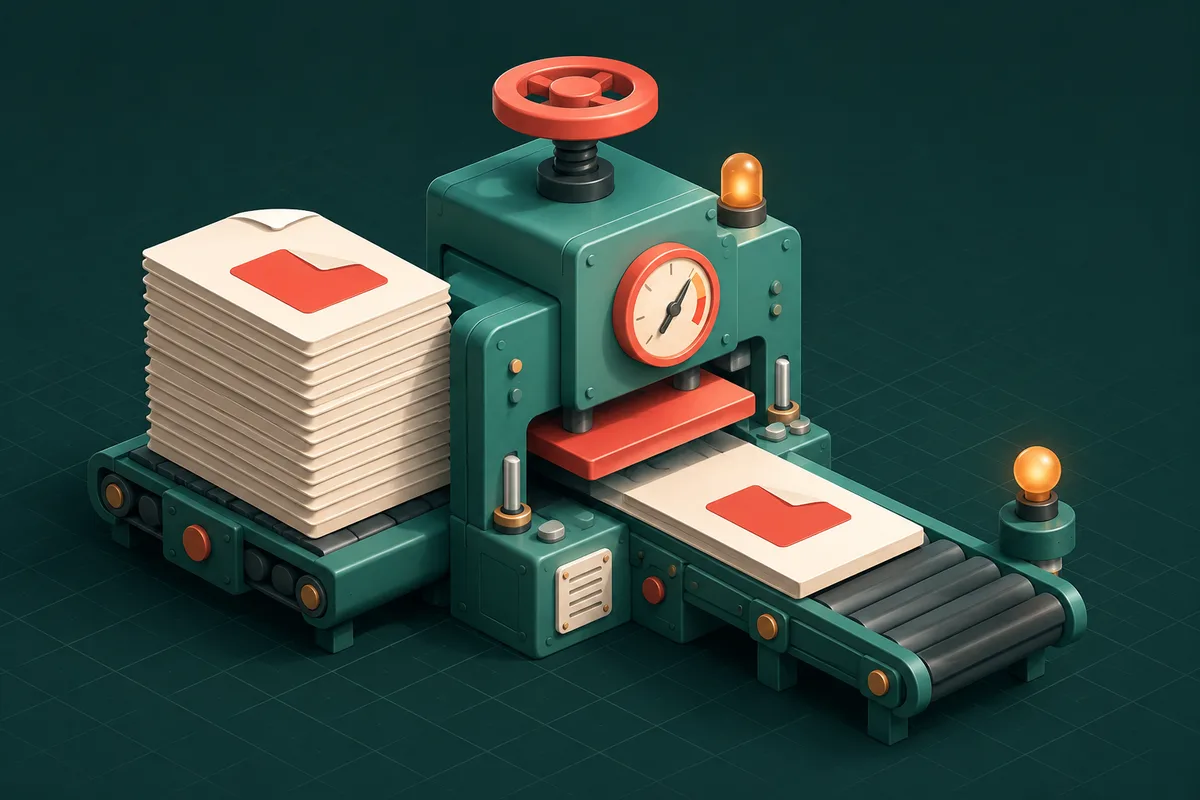
- Pick your target. The tool re-renders each page and adjusts image quality automatically until the whole file fits under the limit.
- Download. Check the size shown, then upload to your portal.
That's the whole process. No sign-up, no watermark, no "3 free compressions per day."
How the compression actually works
Understanding this helps you predict results. A scanned PDF is mostly images — and images respond dramatically to two levers:
| Lever | What it does | Quality impact |
|---|---|---|
| Downsampling | Lowers image resolution (DPI) | Text stays readable well below scan resolution |
| JPEG quality | Increases compression of each image | Slight softness at aggressive settings |
A 300-DPI colour scan carries far more data than any portal reviewer needs. Rendering it at ~100–150 DPI with moderate JPEG quality routinely turns 2MB into 150KB while staying perfectly legible on screen.
Text-based PDFs (exported from Word, for instance) are already small — usually under 100KB — so if yours is somehow large, it likely contains an embedded photo or unnecessary fonts, and compression fixes that too.
When 200KB is genuinely hard to hit
Honesty time: a 40-page colour scan will not become 200KB and stay readable. If you're over the limit even at aggressive compression:
- Split first. Portals usually ask for individual documents, not one combined file. Use Split PDF to separate them, or Remove Pages to drop blank scans.
- Split by size. Split PDF by Size cuts a large file into parts that each fit under a limit — useful for email attachments too.
- Rescan in greyscale. Colour triples the data for documents that are black text on white paper anyway.
Batch compressing multiple documents
Application season usually means five or six documents, not one. Batch PDF Compress processes them all in one pass and hands back a ZIP — same target-size logic, much less clicking.
Frequently Asked Questions
Will the portal reject a compressed PDF?
No. Portals check file size and format, not compression history. As long as the document is legible, a compressed PDF is exactly what they expect — it's why the limit exists.
Is it safe to compress my Aadhaar or PAN documents online?
With most tools, you're uploading identity documents to someone's server and trusting a deletion promise. AnyTool's Compress PDF never uploads anything — compression runs in your browser's own memory, and you can even switch off WiFi mid-process to verify. That's the safest way to handle identity documents online.
What if I need 100KB, not 200KB?
Use the custom target option and enter any size. The presets are just shortcuts for the most common portal limits.
Why did my PDF barely shrink?
It was probably already text-only and efficiently encoded — there's little left to remove. If a scanned file won't shrink, check whether it's actually a very high page count; splitting is the answer there.
Next time a portal says "file too large," you're thirty seconds from fixed: open Compress PDF, tap the 200KB preset, and upload with confidence — and find every PDF utility in one place under PDF Tools.